> ## Documentation Index
> Fetch the complete documentation index at: https://docs.topsort.com/llms.txt
> Use this file to discover all available pages before exploring further.
# New tools to provide a seamless integration experience
> We are excited to announce several key updates aimed to improve integration processes and enhancing usability across our platform.
export const ChangelogActions = () => {
return <>
;
};
October 3, 2024Ad ServerImprovement
# Segment Integration
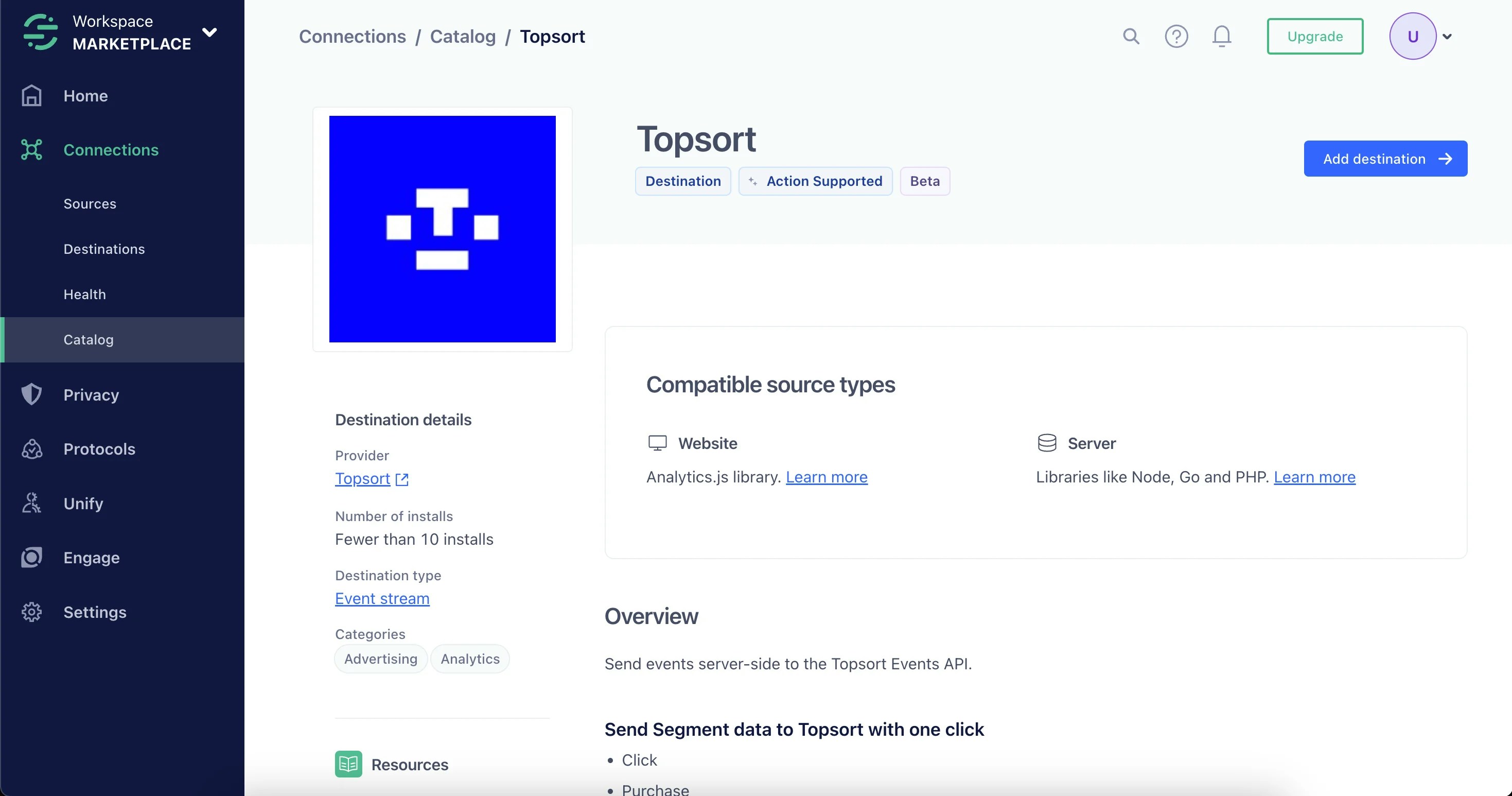
The Segment integration enables users already utilizing Twilio Segment for tracking to easily integrate Topsort events without the need for additional code. This allows for seamless event tracking and reporting, making it faster and more efficient for marketplaces to send events to Topsort.
## Key Features
* No Code Integration: Existing Segment users can integrate Topsort without writing any new code.
* Universal Compatibility: Follows Segment's e-commerce event specification for impressions, clicks, and purchases.
* Simplified Event Mapping: Pre-configured event mapping for product views, clicks, and purchases, reducing setup time.
## Usage
Add Topsort as a destination within your Segment account.
Ensure events like Product Clicked, Product Viewed, and Order Completed are mapped with the required `resolvedBidId` for proper attribution.
Track logged-in users via Segment's identify method.
See complete documentation [here](/en/ad-server/events/twilio-segment).
# New Documentation Platform
We have transitioned from README to Starlight for our documentation platform, adding Codapi for interactive code examples. This new platform reduces integration time, makes it easier for developers to follow best practices, and offers better navigation and search capabilities.
## Key Benefits
* Improved Navigation and Search: Faster, more accessible documentation.
* Interactive Code Examples: Codapi integration provides 30+ interactive code playgrounds for various programming languages.
* SEO and Internationalization: Enhanced global reach and visibility.
* Developer-Focused Design: Features like dark mode, syntax highlighting, and clear typography make the documentation more engaging.
 Ensure events like Product Clicked, Product Viewed, and Order Completed are mapped with the required `resolvedBidId` for proper attribution.
Track logged-in users via Segment's identify method.
See complete documentation [here](/en/ad-server/events/twilio-segment).
# New Documentation Platform
We have transitioned from README to Starlight for our documentation platform, adding Codapi for interactive code examples. This new platform reduces integration time, makes it easier for developers to follow best practices, and offers better navigation and search capabilities.
## Key Benefits
* Improved Navigation and Search: Faster, more accessible documentation.
* Interactive Code Examples: Codapi integration provides 30+ interactive code playgrounds for various programming languages.
* SEO and Internationalization: Enhanced global reach and visibility.
* Developer-Focused Design: Features like dark mode, syntax highlighting, and clear typography make the documentation more engaging.
Ensure events like Product Clicked, Product Viewed, and Order Completed are mapped with the required `resolvedBidId` for proper attribution.
Track logged-in users via Segment's identify method.
See complete documentation [here](/en/ad-server/events/twilio-segment).
# New Documentation Platform
We have transitioned from README to Starlight for our documentation platform, adding Codapi for interactive code examples. This new platform reduces integration time, makes it easier for developers to follow best practices, and offers better navigation and search capabilities.
## Key Benefits
* Improved Navigation and Search: Faster, more accessible documentation.
* Interactive Code Examples: Codapi integration provides 30+ interactive code playgrounds for various programming languages.
* SEO and Internationalization: Enhanced global reach and visibility.
* Developer-Focused Design: Features like dark mode, syntax highlighting, and clear typography make the documentation more engaging.