> ## Documentation Index
> Fetch the complete documentation index at: https://docs.topsort.com/llms.txt
> Use this file to discover all available pages before exploring further.

# Customize Invites

export const LastUpdated = ({date, lang = "en"}) => {
  const translations = {
    en: "Last updated:",
    es: "Última actualización:",
    pt: "Última atualização:",
    fr: "Dernière mise à jour:",
    de: "Zuletzt aktualisiert:"
  };
  const label = translations[lang] || translations.en;
  return <>
<style>{`
.last-updated-component {
display: inline-flex;
align-items: center;
gap: 8px;
padding: 10px 16px;
border-radius: 8px;
margin-top: 12px;
margin-bottom: 16px;
font-size: 14px;
background-color: rgba(0, 0, 0, 0.05);
border: 1px solid rgba(0, 0, 0, 0.12);
color: rgba(0, 0, 0, 0.75);
line-height: 1;
}

        .last-updated-component svg {
          flex-shrink: 0;
          vertical-align: middle;
        }

        .last-updated-component span {
          display: inline-flex !important;
          align-items: center !important;
          line-height: 1 !important;
        }

        [data-theme="dark"] .last-updated-component {
          background-color: #3a3a3a;
          border: 2px solid #888888;
          color: #ffffff;
        }

        [data-theme="dark"] .last-updated-component svg {
          stroke: #ffffff;
        }
      `}</style>
      <div className="last-updated-component">
        <svg width="16" height="16" viewBox="0 0 24 24" fill="none" stroke="currentColor" strokeWidth="2" strokeLinecap="round" strokeLinejoin="round">
          <circle cx="12" cy="12" r="10" />
          <polyline points="12 6 12 12 16 14" />
        </svg>
        <span>
          <strong style={{
    fontWeight: 600
  }}>{label}</strong> 
          <time dateTime={date}>{date}</time>
        </span>
      </div>
    </>;
};

<div style={{ textAlign: "justify", marginBottom: "1.5rem" }}>
  Topsort's [Invitation
  API](/en/api-reference/invitation-api/\[beta]-invite-vendors) grants full
  control over your vendor onboarding, enabling customized invitation emails and
  a seamless signup experience for your marketplace. This tool allows you to
  manage the entire vendor invitation and registration process.
</div>

## How It Works

<Steps>
  <Step title="You send us an HTML email template for a vendor invitation." />

  <Step title="We upload and activate the template." />

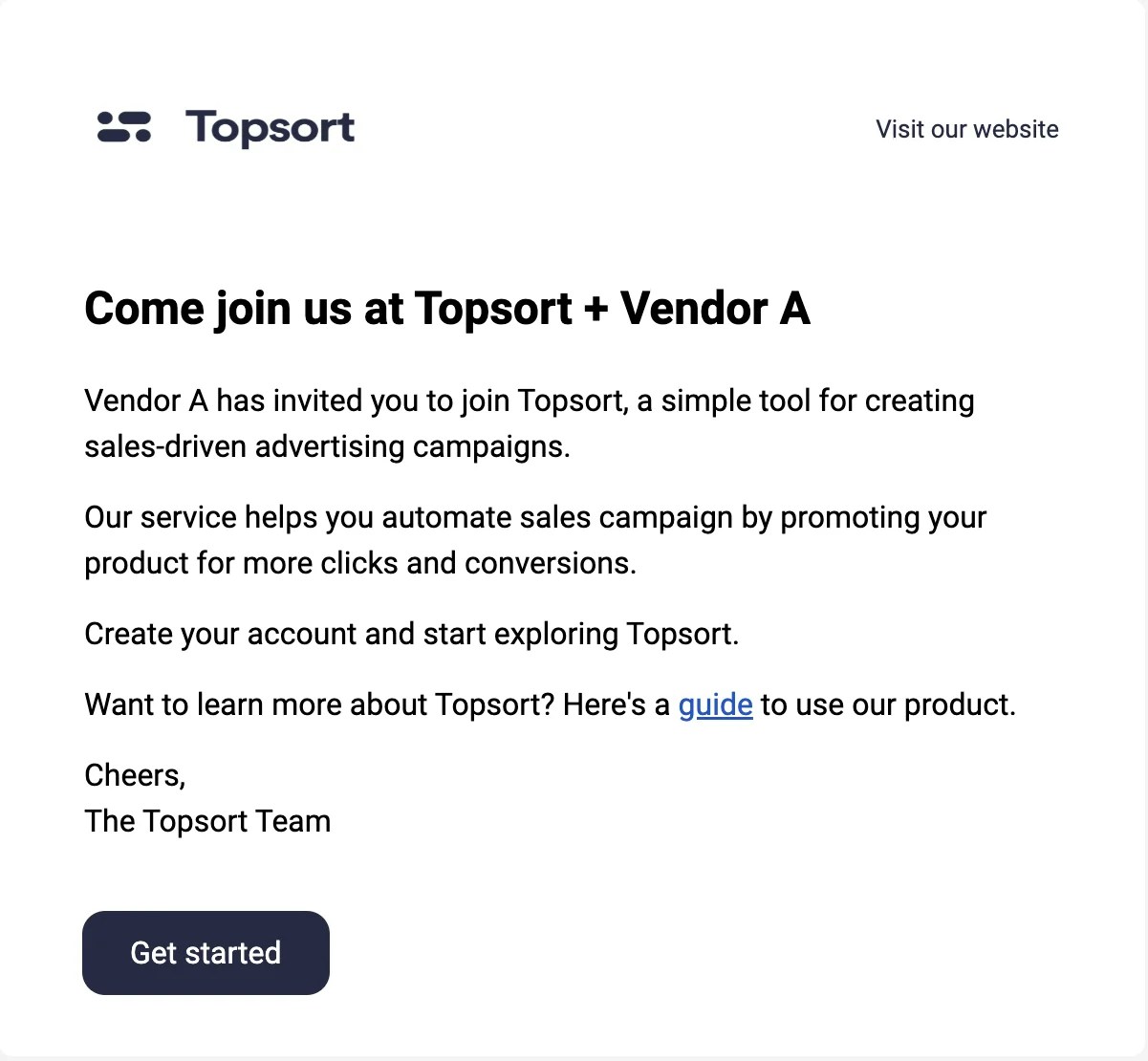
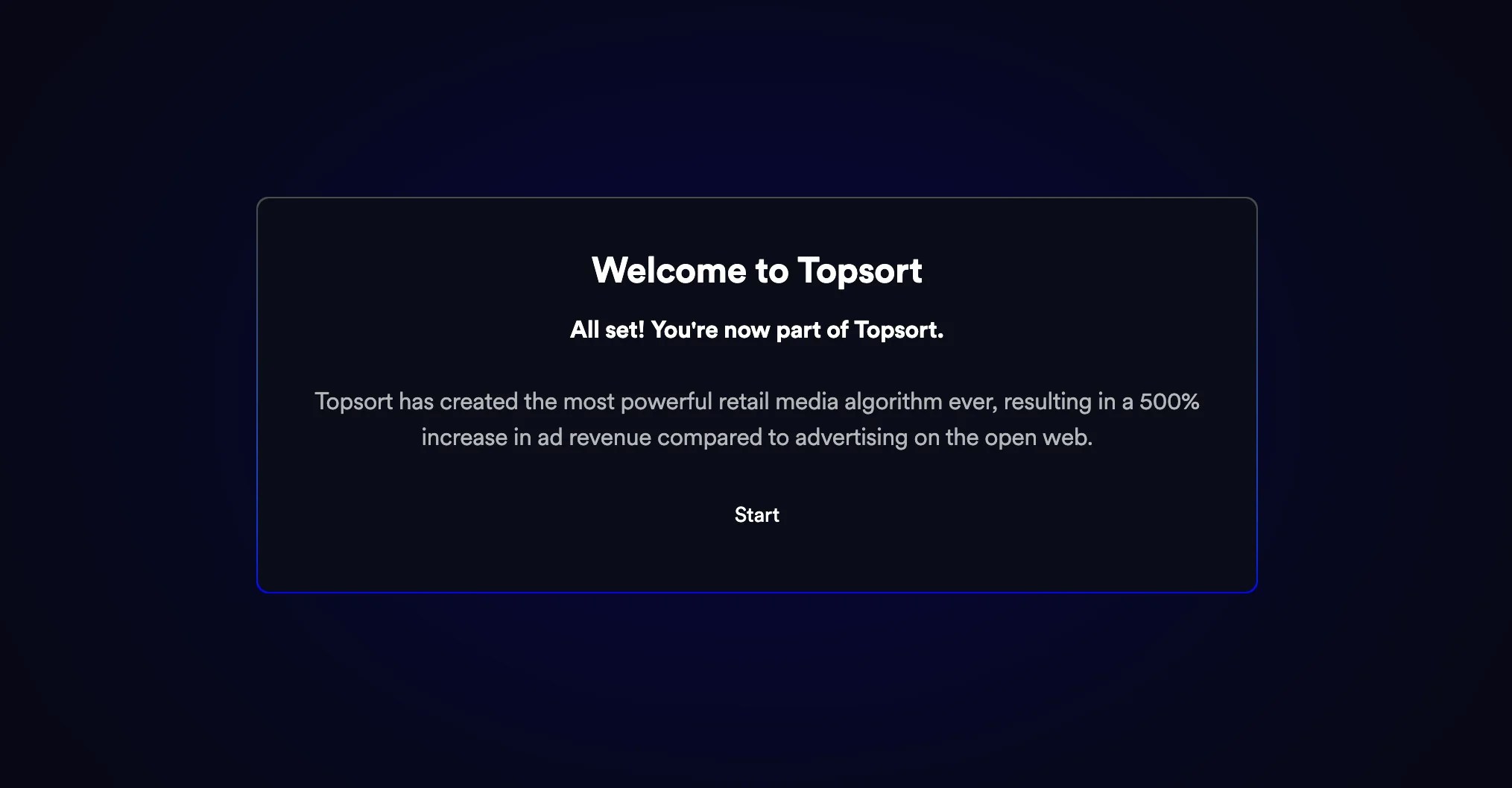
  <Step title="Your vendors start receiving branded emails when invited.">
    <Note>Invitations will expire after 30 days</Note>

    <Frame>
      <img src="https://mintcdn.com/topsort/Ro7qPN5howJXYxJV/images/knowledge-base/vendor_to_vendor_invite.webp?fit=max&auto=format&n=Ro7qPN5howJXYxJV&q=85&s=f88d3f4fa049a9d83db20e6e9225378d" alt="Vendor to vendor invite" width="1201" height="1110" data-path="images/knowledge-base/vendor_to_vendor_invite.webp" />
    </Frame>

    <Frame>
      <img src="https://mintcdn.com/topsort/Ro7qPN5howJXYxJV/images/knowledge-base/vendor_to_vendor_invite_topsort_welcome.webp?fit=max&auto=format&n=Ro7qPN5howJXYxJV&q=85&s=b9afe5dfa59c35185f57be7c625c2ba4" alt="Topsort welcome" width="2029" height="1057" data-path="images/knowledge-base/vendor_to_vendor_invite_topsort_welcome.webp" />
    </Frame>
  </Step>
</Steps>

***

<LastUpdated date="2025-12-15" />