

November 13, 2025Ad PlatformNew Feature
Why It’s ImportantIn-Store Ads transform physical retail spaces with dynamic advertising capabilities that connect with external CMS platforms. This feature enables advertisers to run coordinated screen campaigns that complement digital efforts and engage shoppers at the point of decision.
Key Capabilities
CMS Platform Integration: Connect seamlessly with external content management systems to control physical screen displays and coordinate in-store campaigns with your existing digital advertising. Smooth Asset Management: Upload and manage creative assets for physical screens with intuitive workflows that handle various formats and resolutions, ensuring content displays properly across different screen types. Smart Error Handling: Built-in error detection and recovery helps identify and resolve issues with campaign setup, asset delivery, or platform connectivity, minimizing disruptions to active campaigns. Streamlined Cache Management: Efficient caching ensures content loads quickly on physical screens while allowing updates to propagate when campaigns change, balancing performance with flexibility.How It Works
Campaign Creation and Management
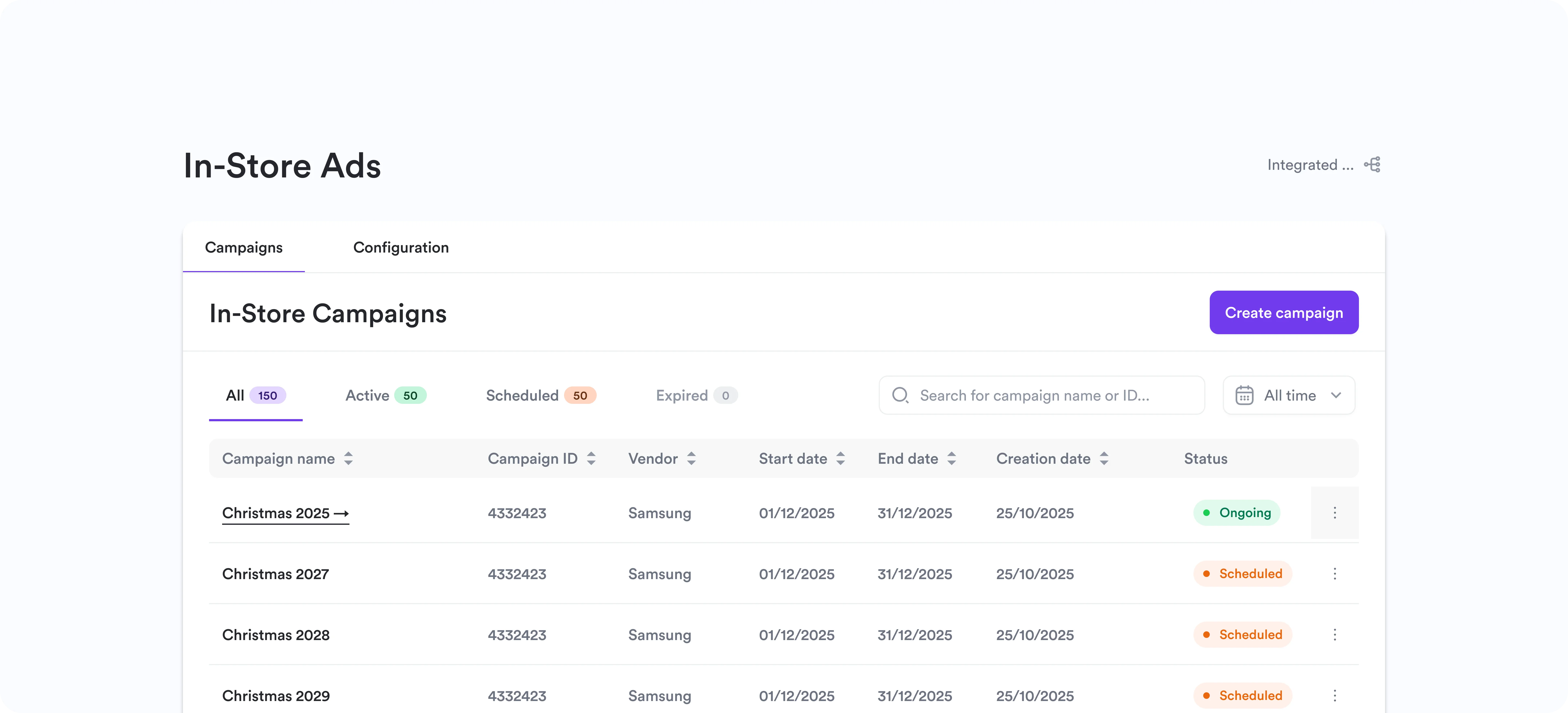
Advertisers create in-store campaigns through the Admin Dashboard using familiar campaign creation workflows. The platform connects with your external CMS to manage what appears on physical screens in retail locations. Campaigns can be tailored for specific promotions, product launches, or in-aisle moments, with the same targeting and scheduling capabilities available for digital campaigns. This creates a unified approach to managing advertising across both online and physical channels.Asset Upload and Delivery
When creating in-store campaigns, advertisers upload creative assets that will display on physical screens. The system handles various formats and resolutions, automatically optimizing content for different screen types when possible. Smart error handling catches issues during upload or delivery, providing clear feedback when assets need adjustment or when connectivity issues arise. This reduces the technical burden of managing physical screen content.Platform Integration
The CMS integration handles the technical details of communicating with physical screen infrastructure. Cache management ensures that content loads efficiently on screens while allowing updates to propagate when campaigns are modified. The system maintains synchronization between the Admin Dashboard and the external CMS platform, so changes made to campaigns reflect on physical screens according to the configured schedule. This streamlined approach means advertisers can focus on campaign strategy rather than technical implementation details.Getting Started
- Configure CMS Integration - Connect your external CMS platform through the integrations section in the Admin Dashboard
- Set Up Screen Inventory - Define available screens and locations in your retail spaces within the CMS platform
- Create In-Store Campaign - Build a campaign using the familiar campaign creation workflow, selecting in-store as the campaign type
- Upload Creative Assets - Add images, videos, or other content formatted for your physical screens, with guidance on required formats and resolutions
- Launch and Monitor - Activate your campaign and track performance through unified reporting that includes both digital and physical channels