

Vendors are the entities that promote the catalog items, serving as advertisers for your ad setup. Typically, they sell products or services within the marketplace, and with Topsort, they can effectively promote their products and brand to increase sales.
If the self-service is not enabled, you (as a marketplace admin) can create and manage ads for your vendors. This guide provides an overview of the basics of this process.
Vendor View
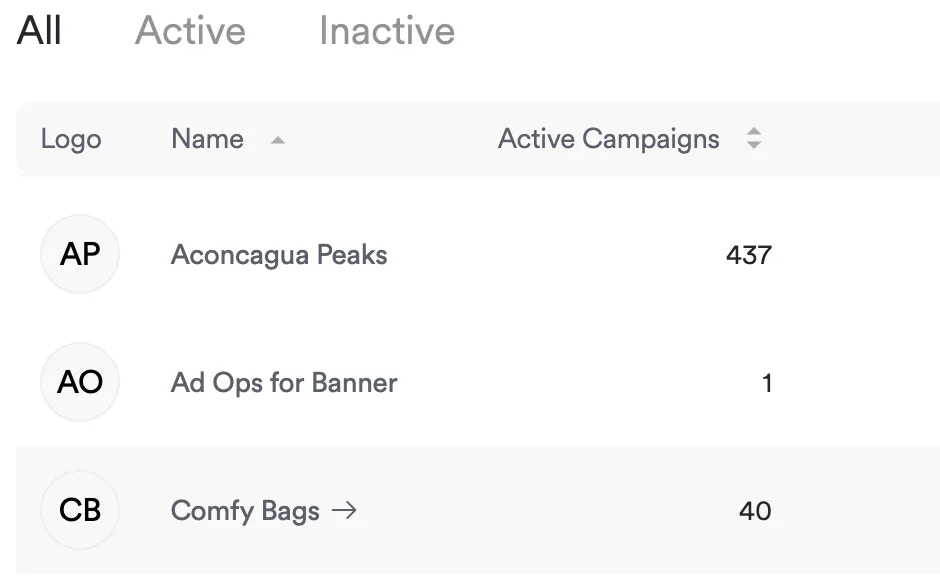
You can access a vendor’s detailed view by clicking on their name or logo in the main dashboard.
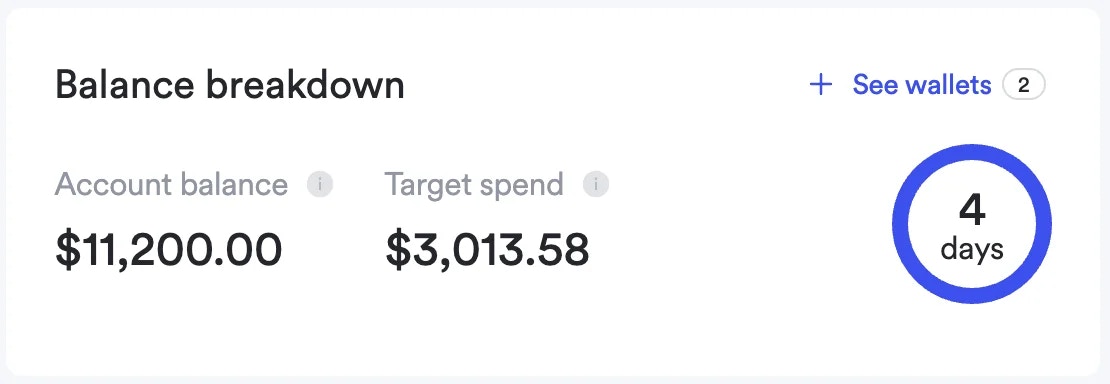
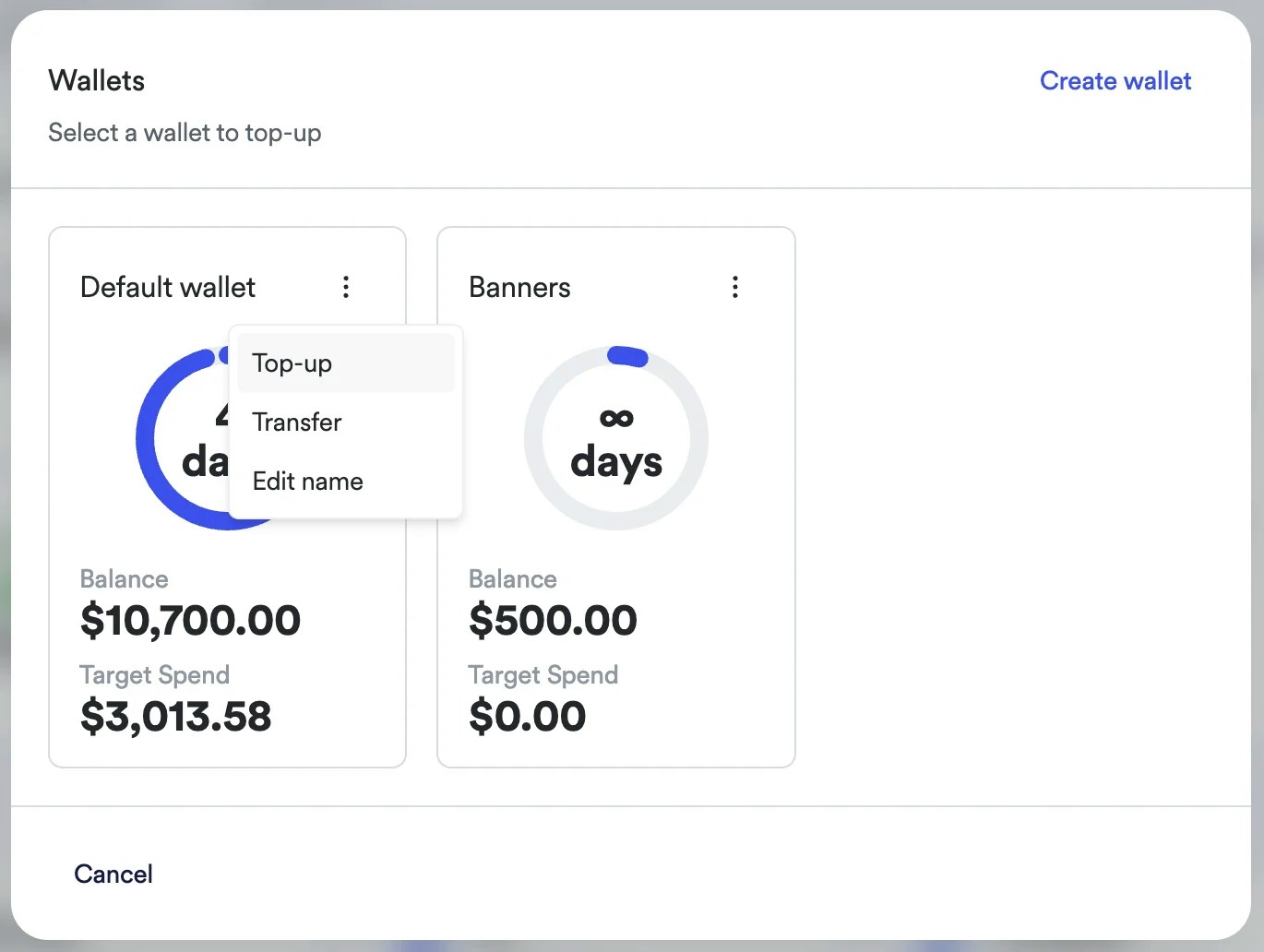
- Account balance, being the sum of the balance of all wallets.
- Target spend, being the estimated daily budget that will be spent.
- The number of days remaining before a top-up is needed.
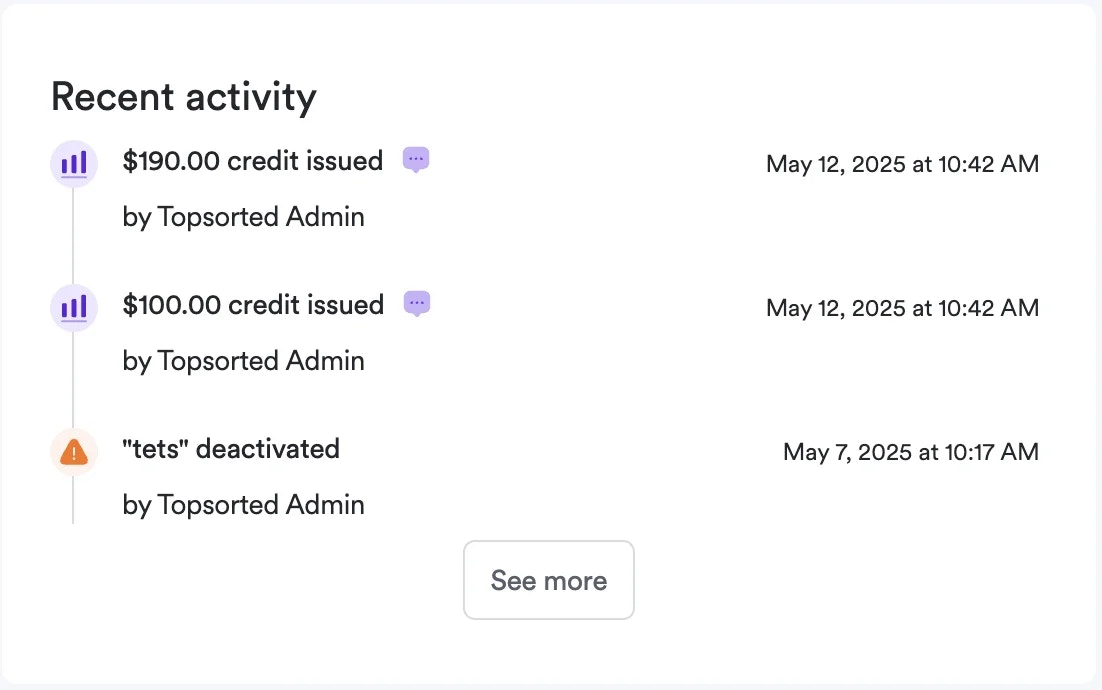
- Credit issued or burned
- Campaign created or deactivated
- Campaign changed
- Total Ad Spend
- Impressions
- Auctions Won
- CTR (Click-through Rate)
- ROAS (Return on Ad Spend)
- Clicks
- Promoted Sales
- CPC (Cost per Click)