

Campaign Creation Flow
1
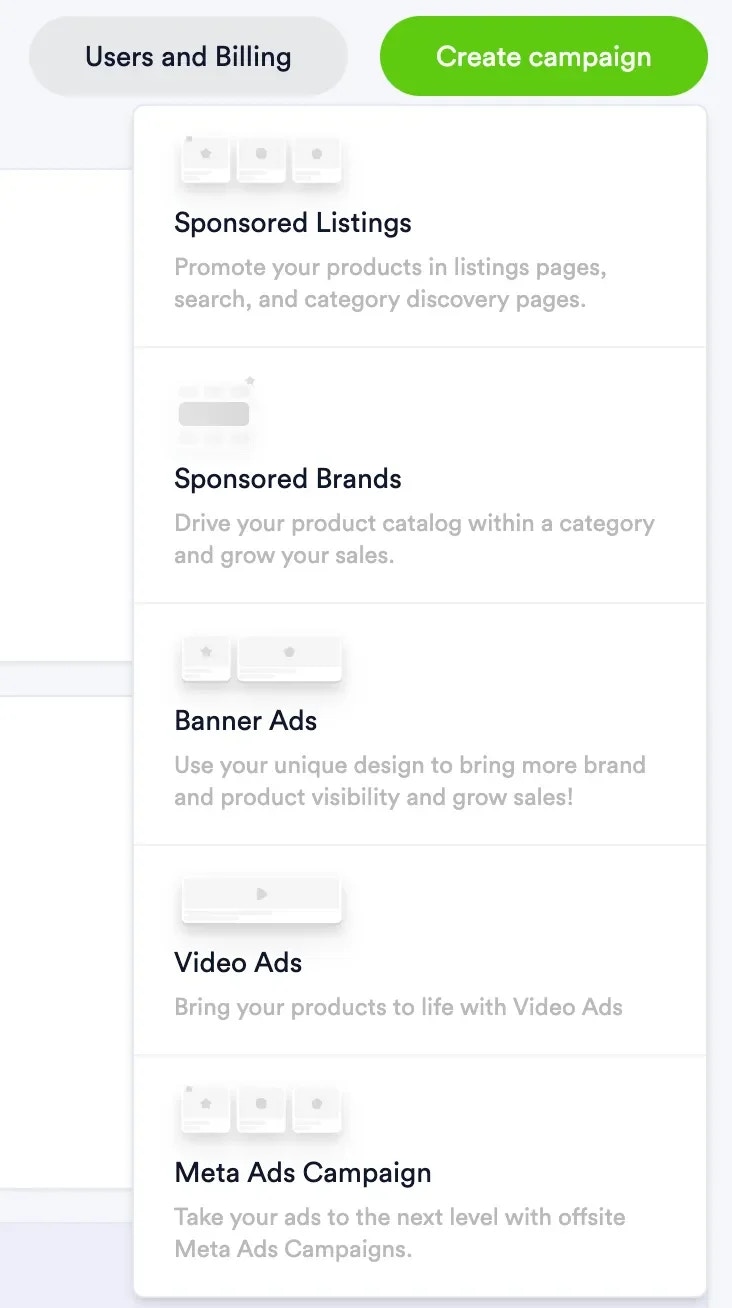
Create campaign
- Choose campaign type:
- If Product campaign, choose products to promote.
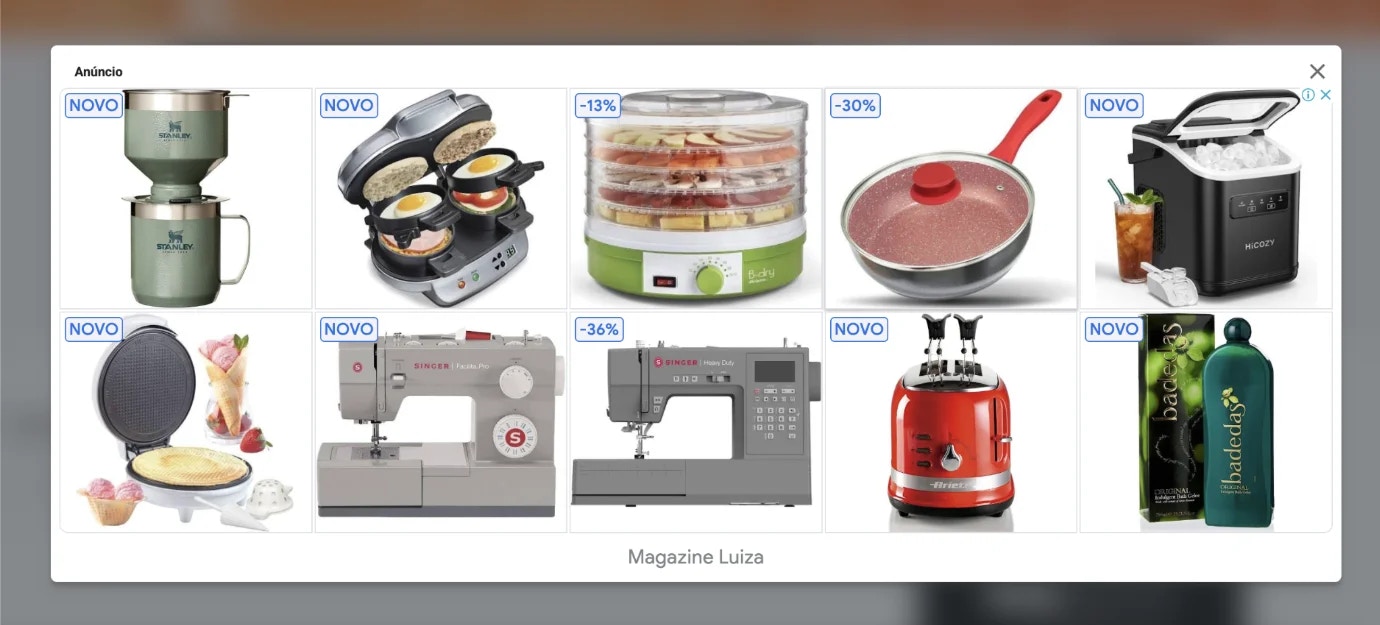
- If Display campaign, upload and crop images.
- If Video Ads, upload video creative for Universal Ads.
- Provide required creative inputs for the selected channel and format (for example text assets, music selection for TikTok catalog offsite, uploaded images for display campaigns, or 16:9 15, 30, or 60 second videos for Universal Ads).
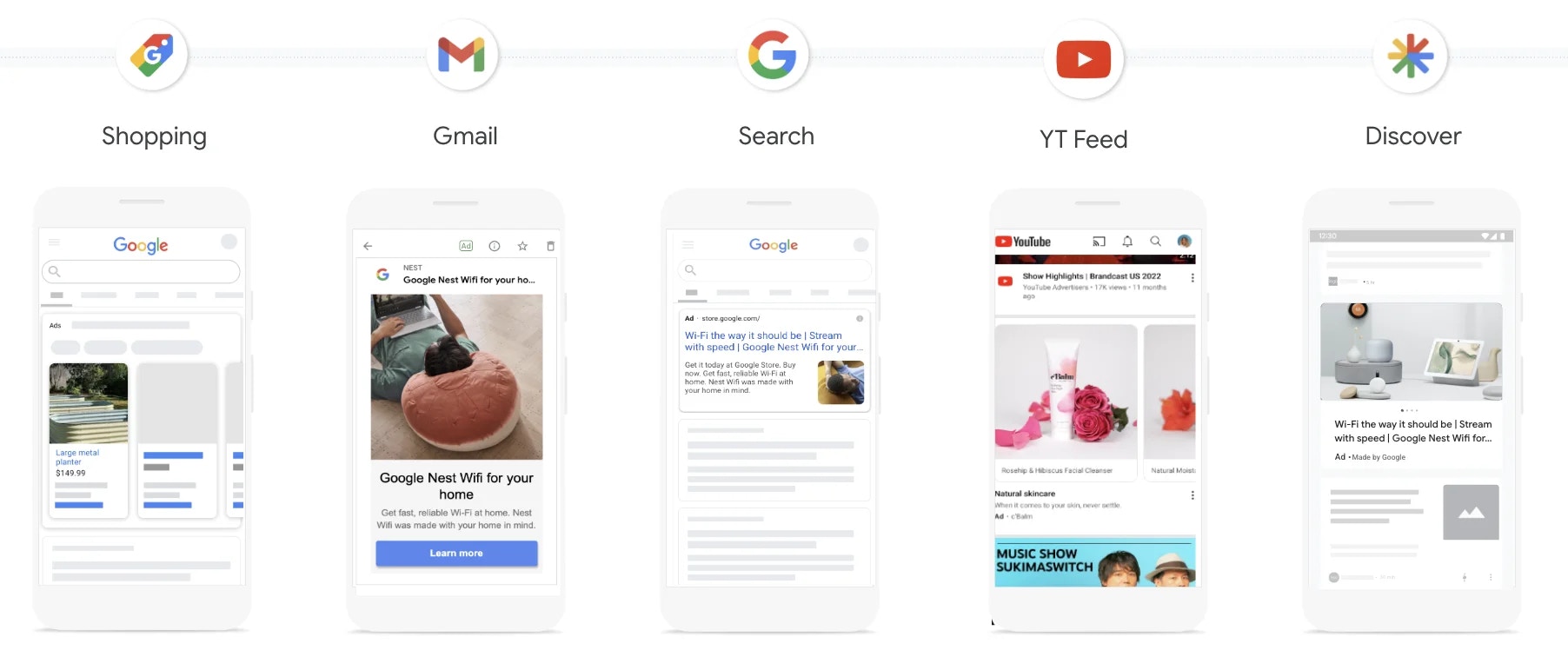
- Select channel and campaign format.
-
Add targeting, dates, budget, and final creative details.
Audience targeting
- Marketplaces can target any first-party (1P) audiences they have synced to Topsort.
- These audiences can be used in offsite campaigns to reach specific groups of existing shoppers.
- Geographic areas: Vendors can target locations such as states or regions directly in the UI.
- Store locations: Vendors can target users within a specified radius of their physical store locations. To enable this targeting, the marketplace uploads its store locations to Topsort in bulk using a CSV containing each store’s location ID, vendor ID, latitude, longitude, and targeting radius. Once the store locations are uploaded, vendors can use them to target offsite campaigns around their stores. This is particularly useful for delivery apps, restaurant marketplaces, and other businesses with large physical store networks.
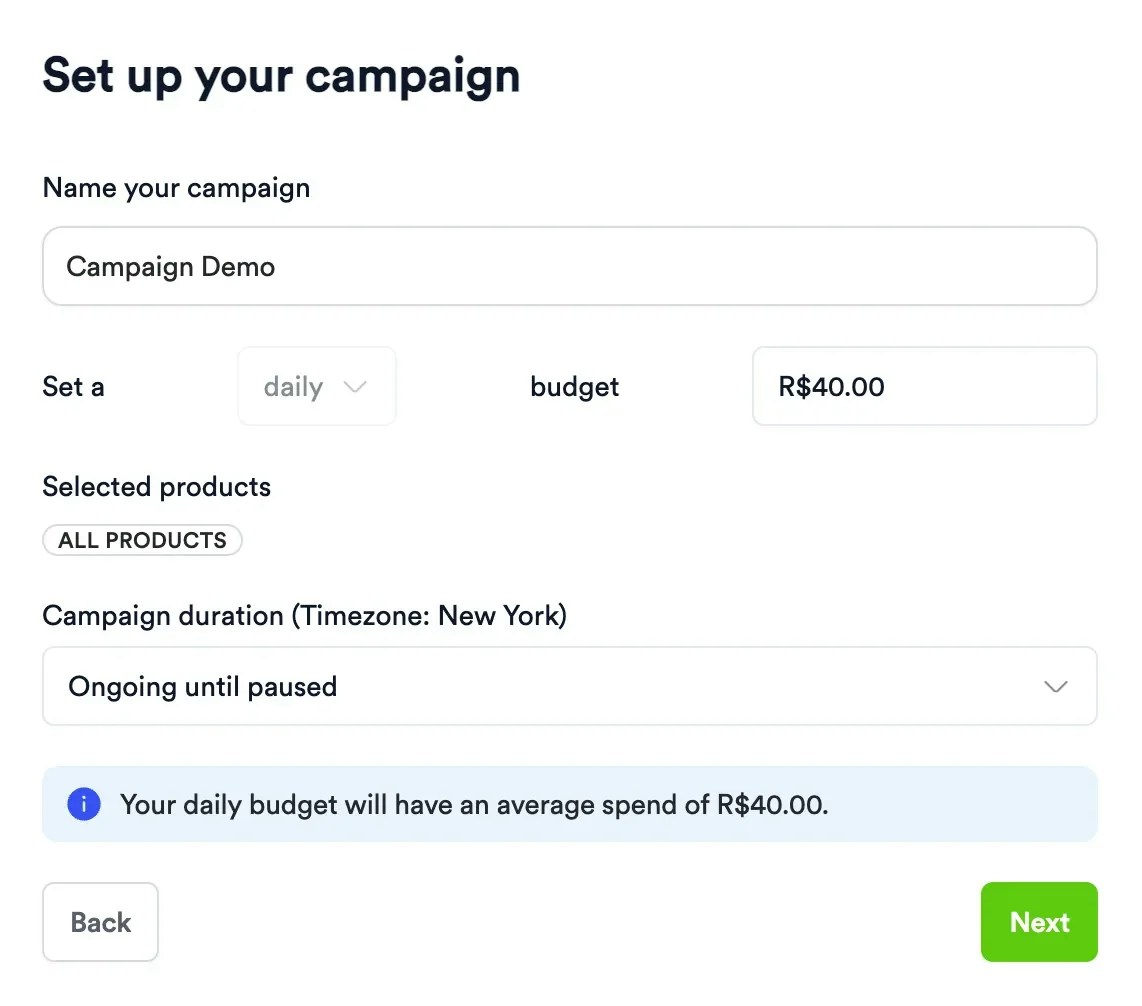
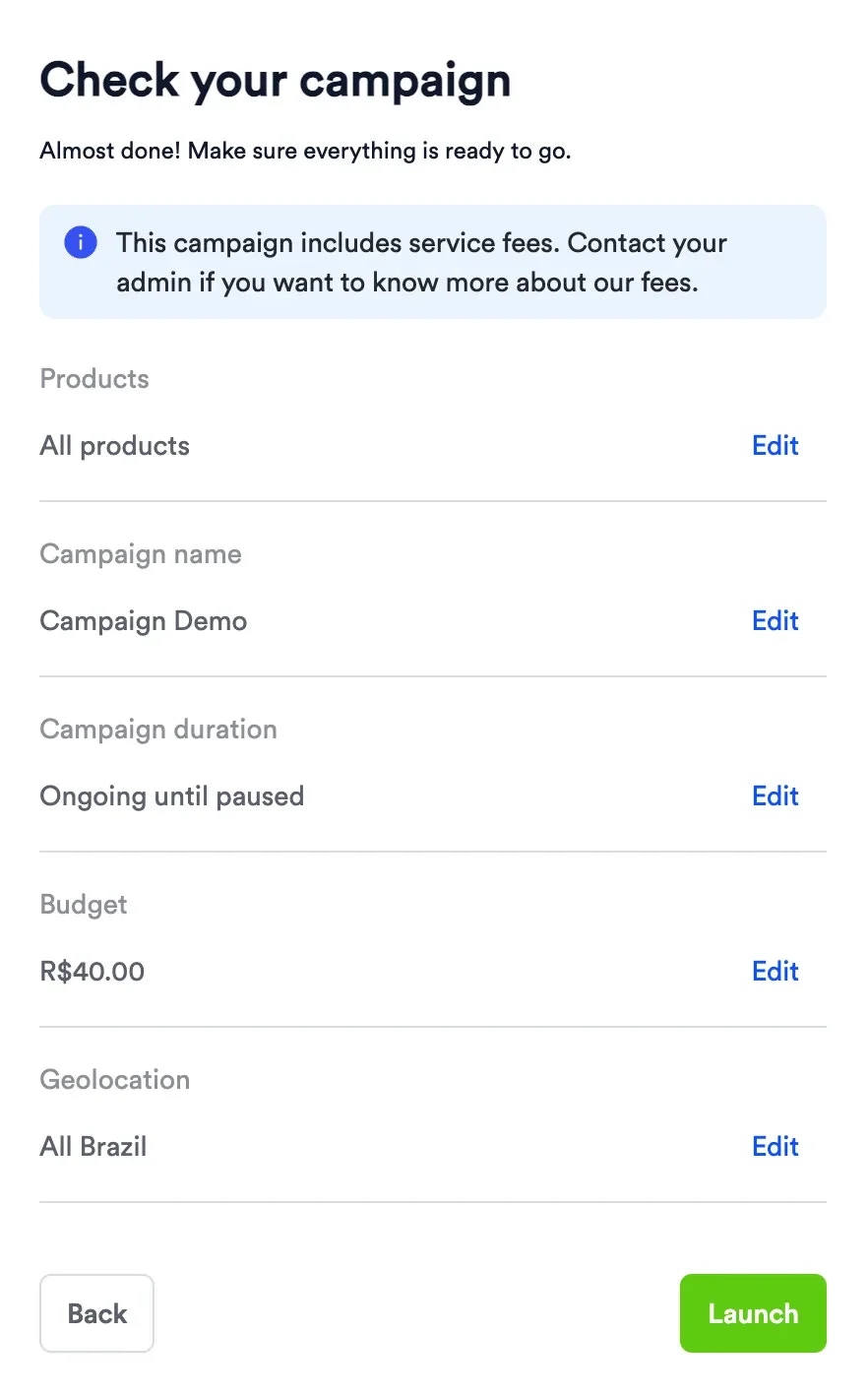
- Confirm configuration and launch.
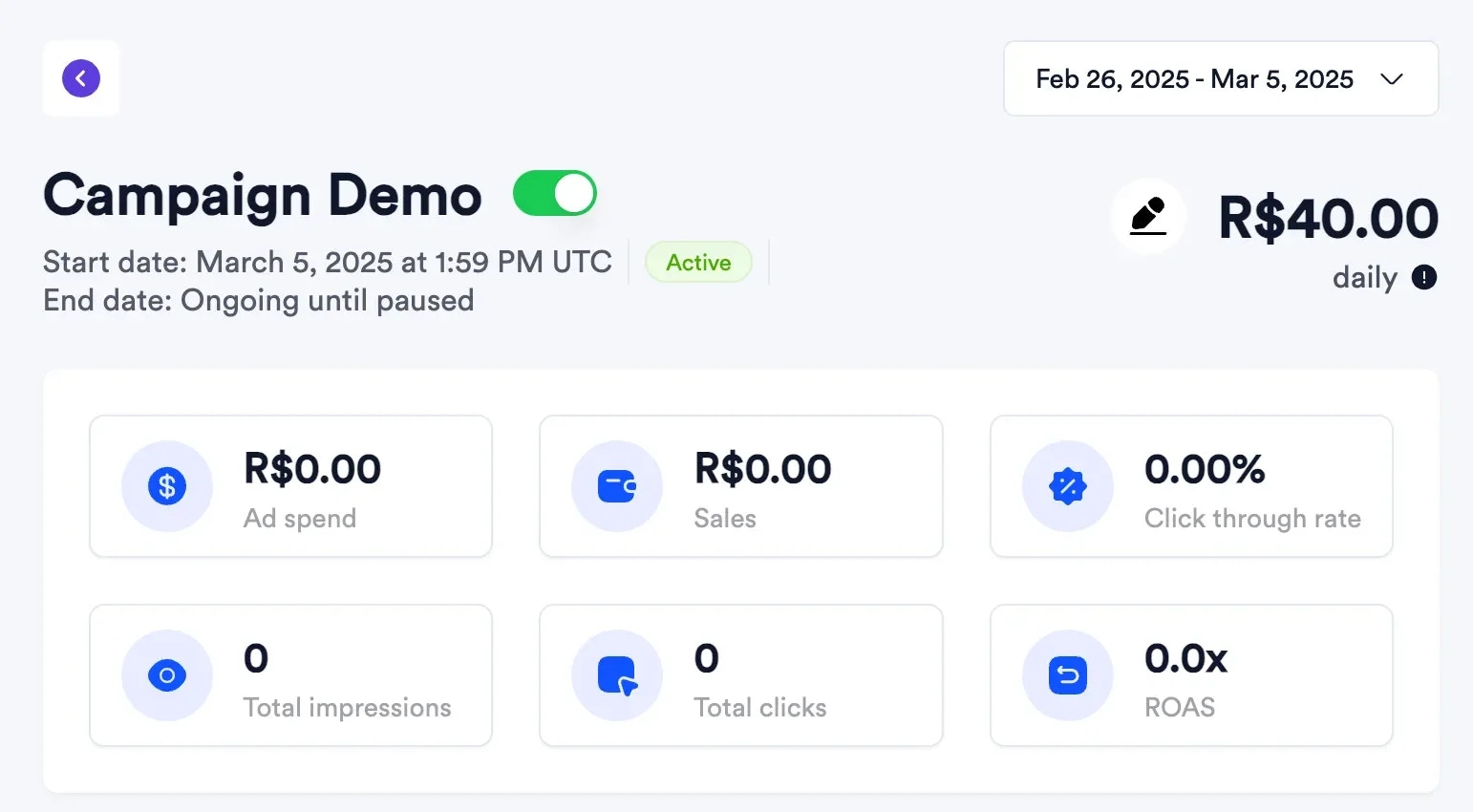
- Track campaign status and early delivery metrics.
2
Monitor and optimize
Review campaign-level metrics.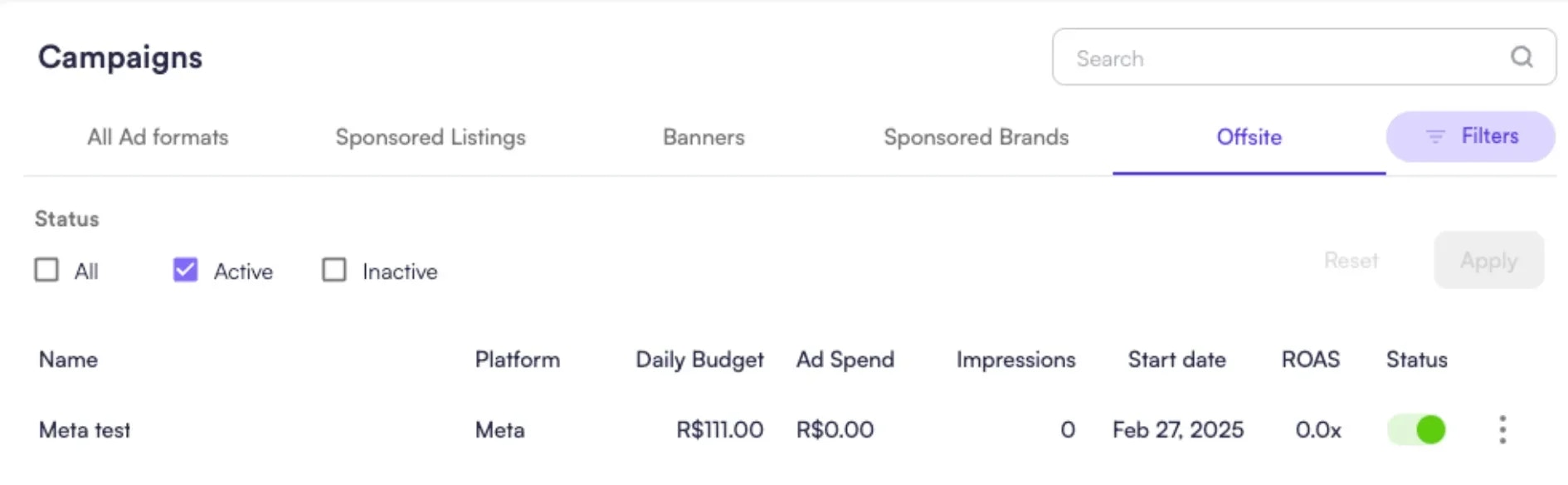

Approval Flow (Asset-Based Campaigns)
Campaigns created from uploaded creative assets in self-service require marketplace approval underOffsite > Assets. This keeps brand and compliance controls centralized before campaigns go live.
Reporting Surfaces
Review campaign performance in Topsort. Available metrics depend on the advertising platform, campaign format, and conversion-tracking setup.- Delivery and spend reporting includes metrics such as impressions, clicks, and ad spend, where supported by the advertising platform and format.
- Attribution-based metrics, including purchases, sales, and return on ad spend (ROAS), require conversion tracking.
- Metrics are available at halo (vendor) level and at campaign and SKU level where applicable.
- API and data export workflows are available for custom BI use cases.