

Os marketplaces usam anúncios nativos que consistem não apenas em imagens, mas também em múltiplos
campos de texto, imagens de fundo, imagens de primeiro plano e outros elementos
personalizáveis. Esses elementos podem variar entre diferentes posicionamentos, tornando
desafiador manter a consistência e otimizar a criação de anúncios entre
campanhas.
Os modelos criativos fornecem uma solução oferecendo banners pré-projetados que
permitem às equipes construir anúncios rapidamente seguindo uma estrutura organizada e repetível.
Esses modelos são altamente personalizáveis e podem incluir campos
específicos. Seja necessário campos para um botão, imagens, títulos,
parâmetros personalizados ou outros elementos de design, os modelos permitem padronizar e
simplificar o processo.

Como Funciona
Criando um Novo Modelo
Os varejistas podem criar modelos personalizados adaptados às suas necessidades. Esses modelos
podem ser configurados com vários campos, como texto, imagens, links externos
e outros elementos, para atender aos requisitos específicos do posicionamento. Veja
como você pode criar e configurar um novo modelo:
1
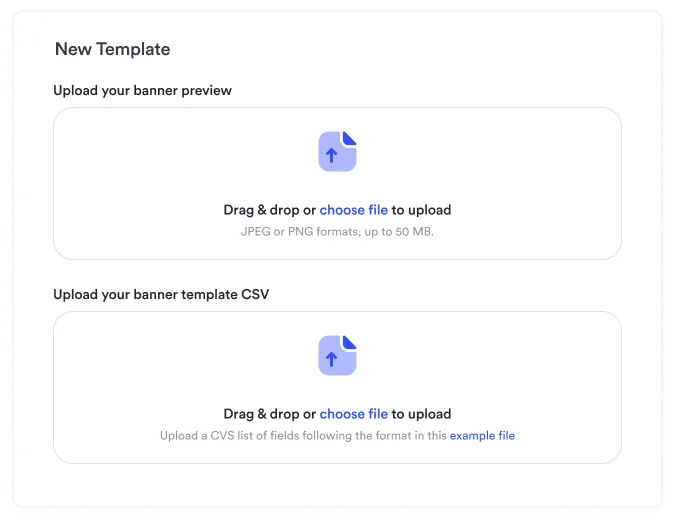
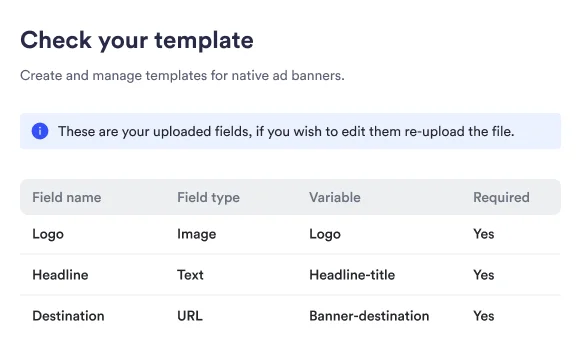
Ao criar um modelo, primeiro defina a imagem de visualização estática e os campos que comporão o modelo. Para cada campo, você precisará especificar:
- Tipo de Campo: Escolha entre texto, imagem, seleção, botão, link, etc.
- Variável: O nome da variável que o campo vai usar.
- Nome do Campo: Defina um rótulo claro para o campo para identificá-lo no processo de criação da campanha.
- Descrição: Forneça uma explicação ou instruções sobre o que deve ser inserido no campo.
- Obrigatório ou Opcional: Decida se o campo é obrigatório para os anunciantes preencherem, ou se pode ser deixado em branco.
- MinLength: número mínimo de caracteres para campos de texto
- MaxLength: número máximo de caracteres para campos de texto
- Default: valor padrão para o campo
- Prefix: para campos do tipo link, eles começarão com o prefixo
- MultiSelect: para campos do tipo seleção se o usuário deve selecionar um ou múltiplos
- Options (querystring): chaves e valores para campos do tipo seleção
Isso pode ser feito usando um CSV ou a UI
2
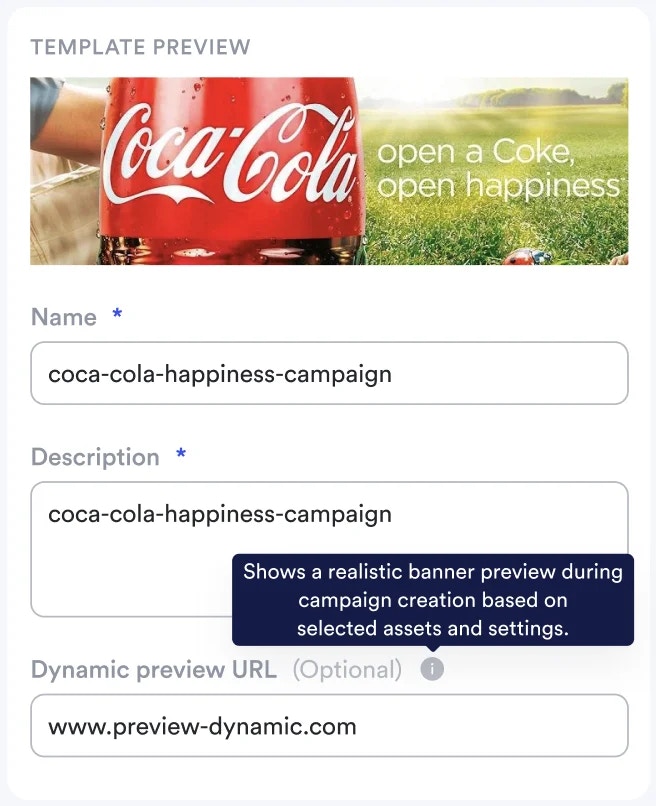
Em seguida, dê a ele um nome único, uma breve descrição para ajudar os anunciantes a entender seu propósito pretendido e, opcionalmente, adicione uma URL de visualização dinâmica.
Configuração de Visualização Dinâmica
URLs de visualização dinâmica permitem visualização em tempo real de como os campos do modelo
aparecerão no posicionamento real do anúncio. O sistema de visualização carrega sua URL especificada
em um iframe e preenche dinamicamente as variáveis do modelo com dados da campanha.
1
Prepare Seu Ambiente de Visualização
Antes de configurar a visualização dinâmica no modelo, certifique-se de ter uma URL de visualização disponível que possa renderizar a estrutura do modelo. Isso pode ser em seu ambiente de desenvolvimento local ou em uma aplicação de staging implantada.
2
Configure o Padrão de URL de Visualização
Configure sua URL de visualização dinâmica usando marcadores de variáveis de modelo. A estrutura da URL deve incluir parâmetros que correspondem aos campos do seu modelo:
3
Integração de Variáveis do Modelo
O sistema de visualização substituirá automaticamente as variáveis do modelo na URL com valores reais conforme os anunciantes preenchem os campos da campanha, permitindo atualizações de visualização em tempo real.
4
Renderização do Lado do Cliente
Sua URL de visualização deve incluir a lógica necessária do lado do cliente para localizar e preencher elementos do modelo com os parâmetros fornecidos.
Requisitos da URL de Visualização: Sua URL de visualização deve estar acessível e incluir
a lógica de renderização necessária para exibir o conteúdo do modelo corretamente. O
sistema usa JavaScript do lado do cliente para substituir conteúdo dentro de elementos de modelo
designados.
Usando Modelos
1
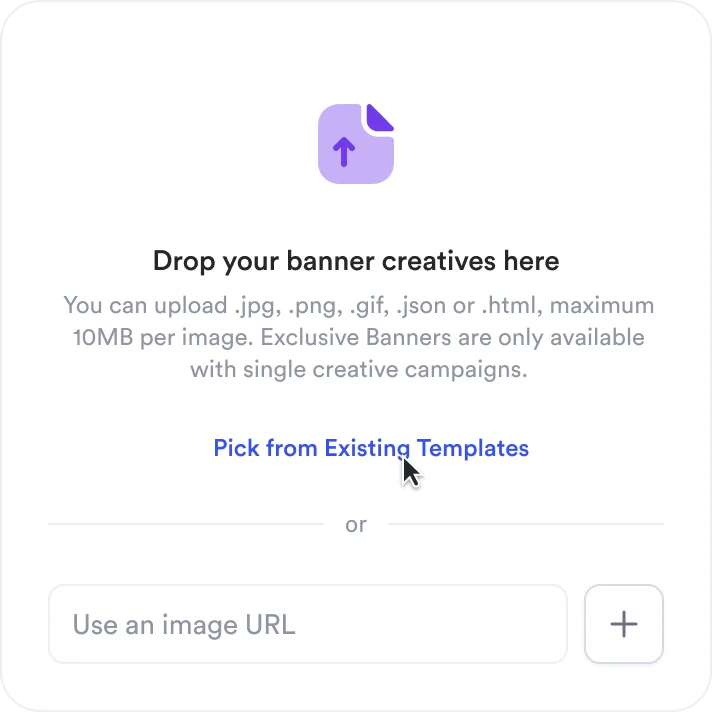
Escolha começar a partir de um modelo
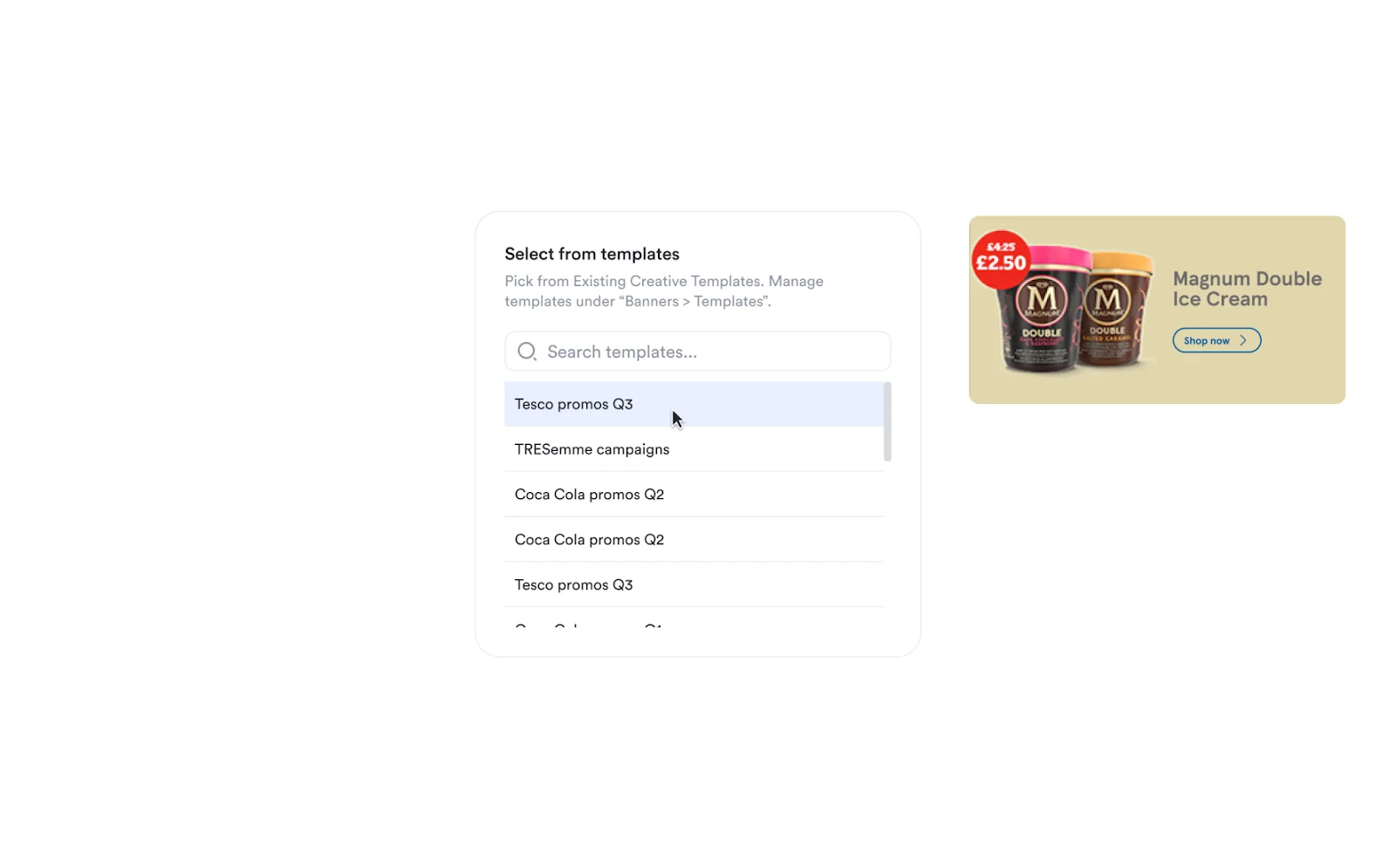
2
Selecione um modelo da lista
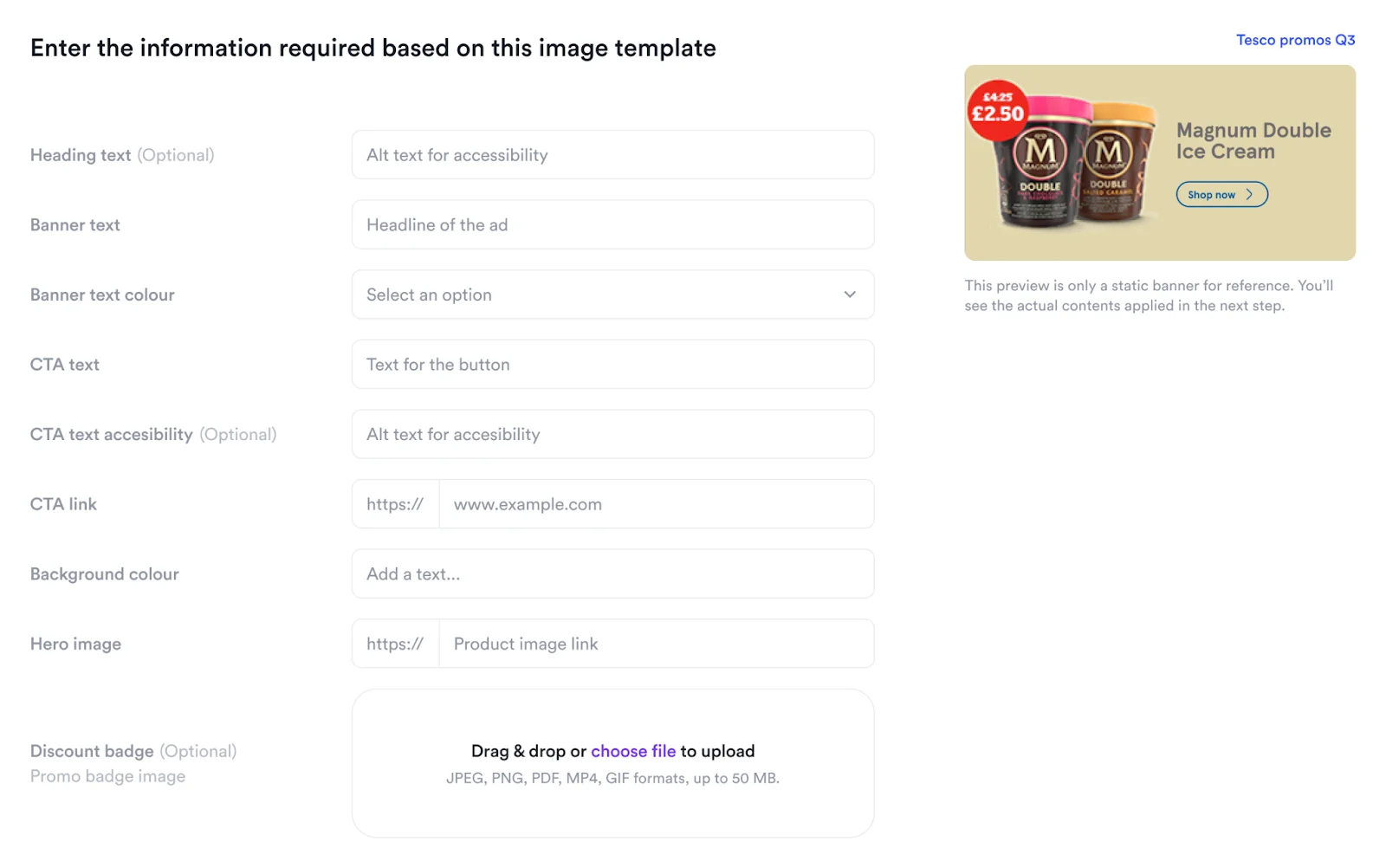
3
Preencha os campos do modelo
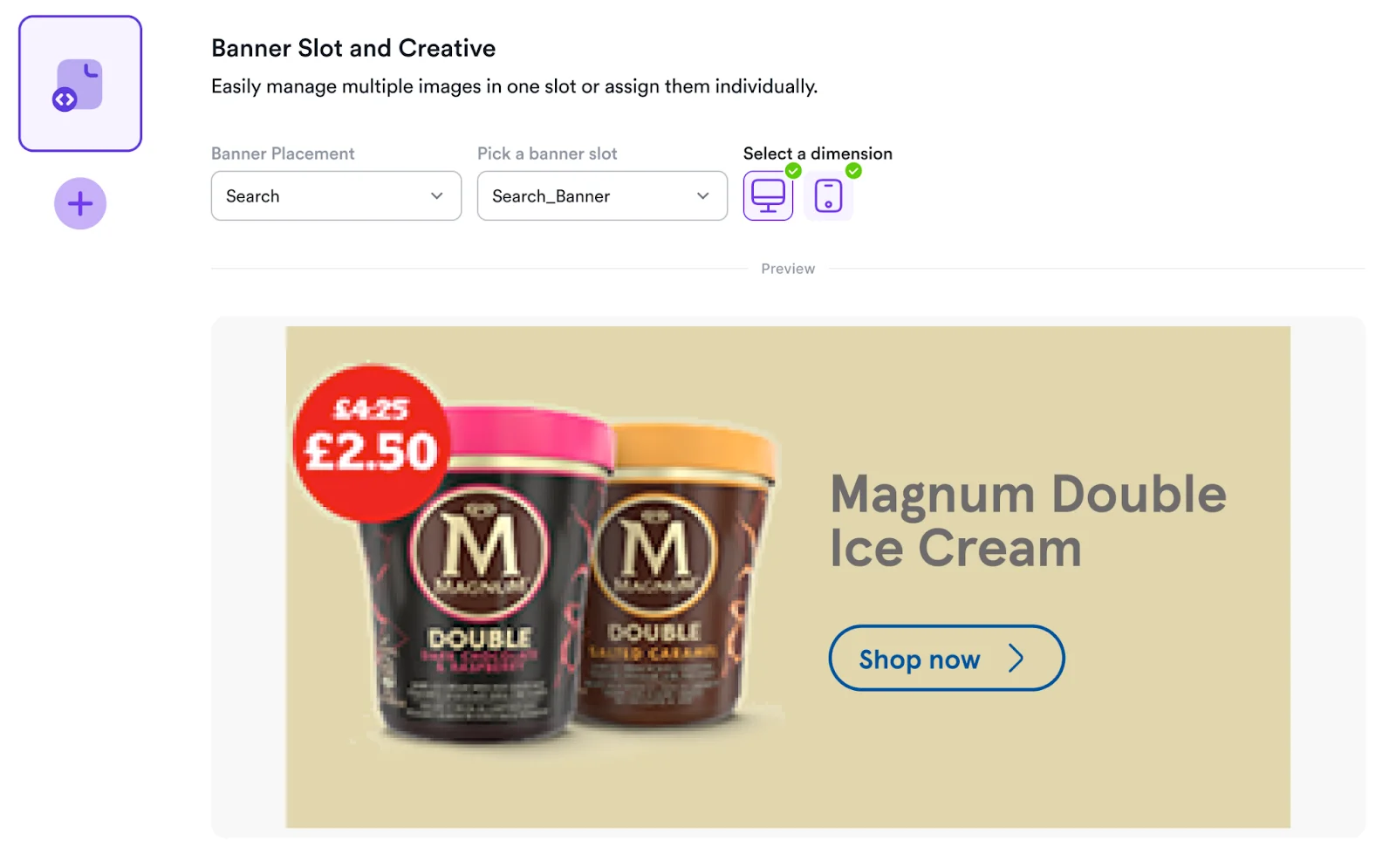
4
Continue com o fluxo de criação de campanha de banner
Estrutura de Resposta do Modelo
Cada vencedor na resposta do leilão inclui um objeto
content contendo os
parâmetros configurados durante a criação da campanha:A estrutura do objeto
content corresponde diretamente aos campos do modelo
configurados durante a criação do modelo, permitindo que seu frontend renderize dinamicamente
os elementos criativos apropriados para cada posicionamento.Nota de Implementação: Use as variáveis dos campos do modelo como chaves na sua
lógica de renderização para garantir consistência entre a configuração da campanha e
a exibição frontend em todos os posicionamentos.
Verificação de terceiros
Os modelos JSON de banner podem transportar uma tag de verificação de terceiros como conteúdo criativo. Inclua um campo de texto chamadoverificationTag ao criar o modelo para que os anunciantes possam fornecer a tag durante a criação da campanha; o valor é retornado no campo content.verificationTag do asset vencedor. O campo do modelo é independente do provedor, mas a versão inicial do runtime @topsort/verification oferece suporte apenas a tags confirmadas de monitoramento do IAS. Um renderizador personalizado deve conectar a tag retornada, o elemento renderizado exato, resolvedBidId e o estado de consentimento do marketplace.
Veja Biblioteca auxiliar de verificação de terceiros para as instruções de configuração.