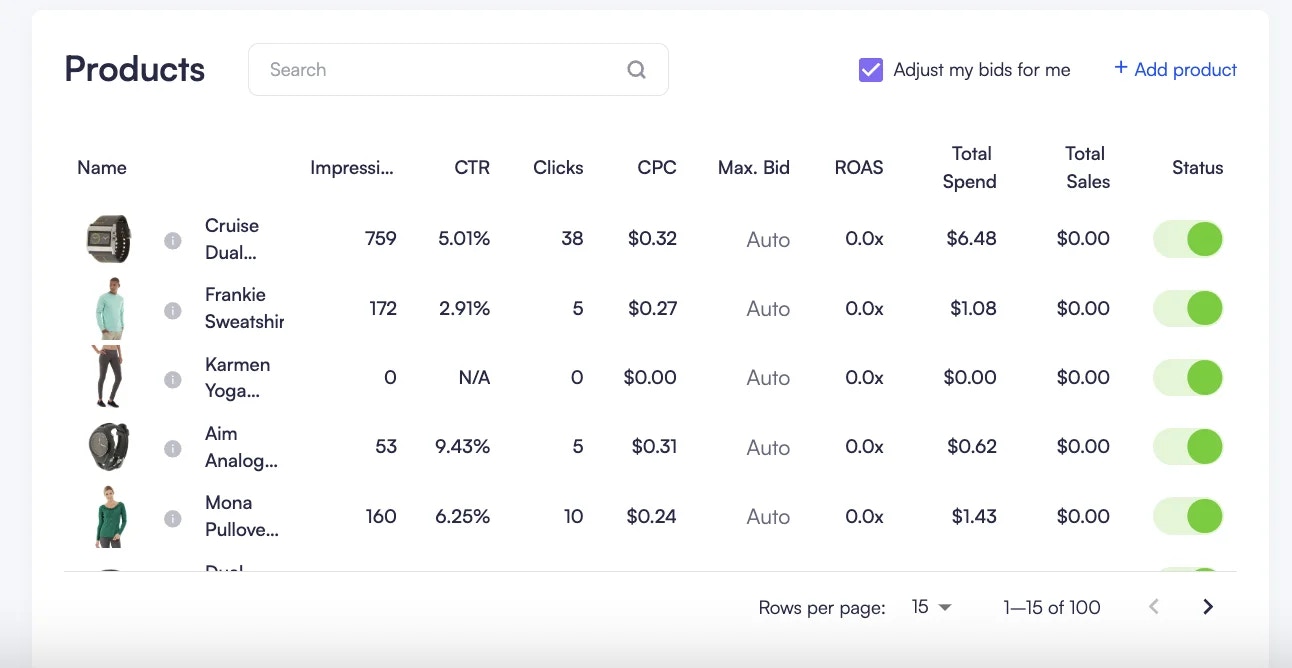
You can check how your sponsored listing campaign is performing in the
campaign dashboard.
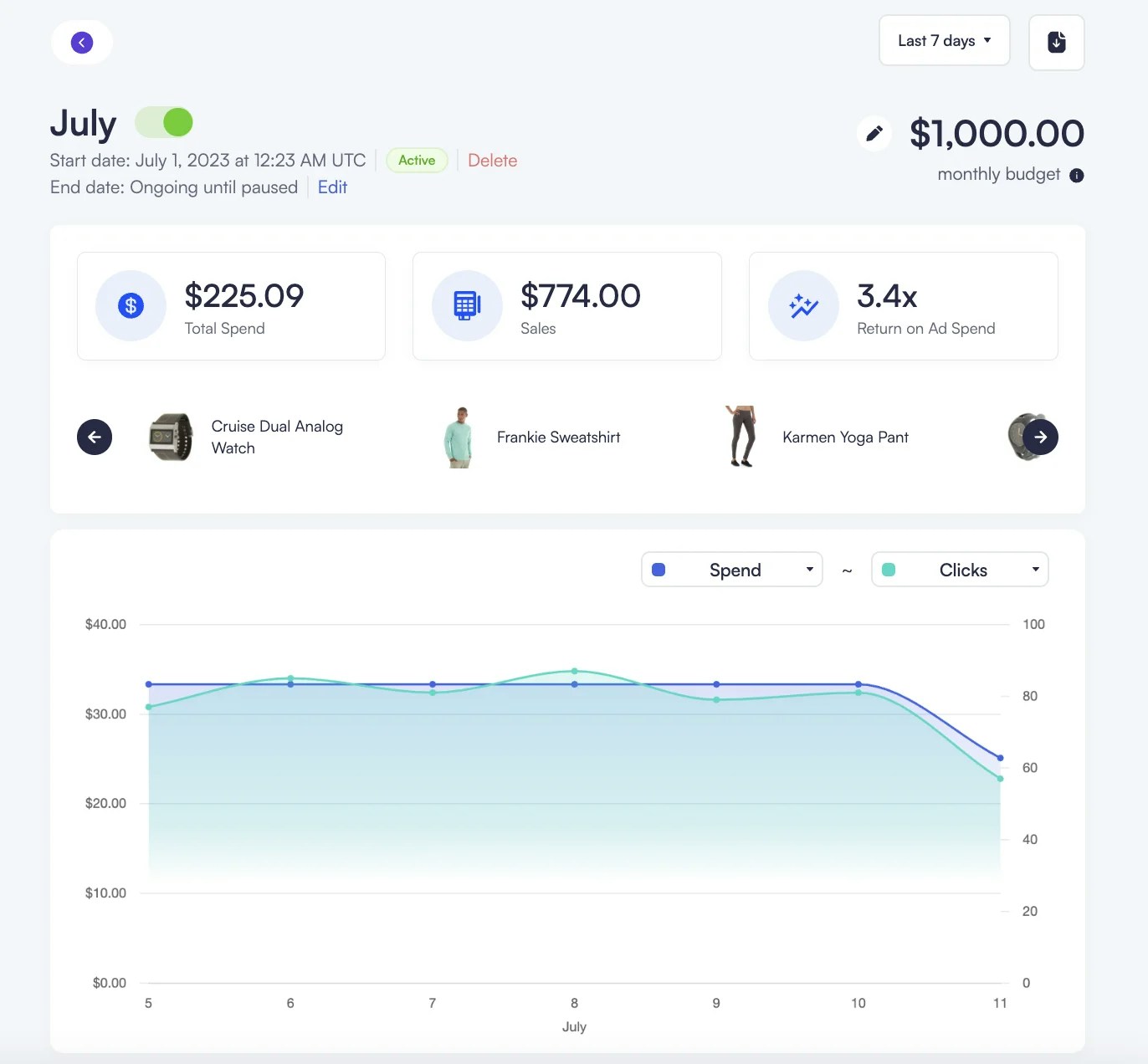
On this page, you can see performance numbers (KPIs) at the top for a time
period you select, along with a graph below showing trends. You can also see
the products included in your campaign by scrolling through the product
images. When you point your mouse over a product image, the performance
numbers will update to show how just that product is doing.
If a product is set to active: “false” via API or product feed updates due to
lack of stock, it’s automatically switched off in the campaign dashboard.
Refer to the Catalog
Synchronizatio
section for more information.