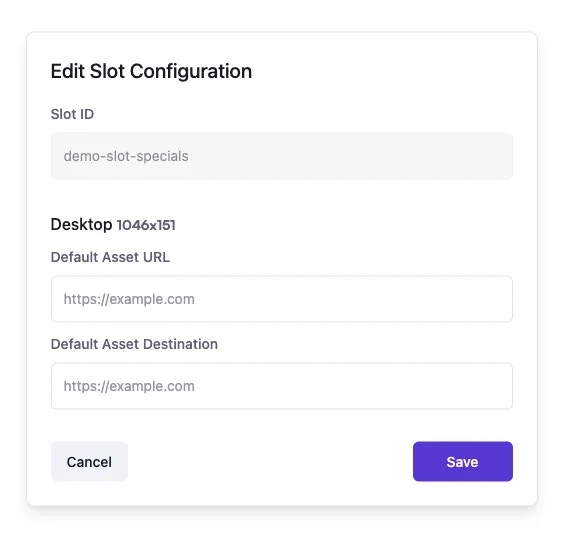
Upload fallback images directly for banner ad slots instead of providing URLs
December 2, 2025Ad PlatformImprovement
Why It’s ImportantAdmins can now upload fallback images directly when configuring banner ad slots, eliminating the need to host images externally and provide URLs. This streamlines slot configuration and gives admins full control over fallback creatives.
Banner ad slot configuration now supports direct image uploads for fallback creatives. Previously, admins could only provide URLs to externally hosted images, requiring separate file hosting and creating potential for broken links.
House Brand Promotion: When no paid ads are available to fill a banner slot, the fallback image displays instead of leaving the space blank. Upload fallback images promoting house brands, seasonal sales, or marketplace features to maintain a complete site appearance even during low ad inventory periods.Inventory Management: For high-traffic placements like homepage hero banners that typically show sponsored ads, upload fallback images promoting your marketplace’s loyalty program or key marketplace features. When ad inventory runs low, users see your promotion instead of an empty space, ensuring premium real estate is never wasted.
No external hosting needed: Upload images directly from your local machine without managing CDNs or external URLs.Instant updates: Replace or delete fallback images immediately in the admin dashboard without coordinating with external providers.Prevent broken images: Eliminate broken links from expired or moved external resources that can leave banner slots empty.Any standard image format is supported. Navigate to banner slot settings in the Admin Dashboard to find the new upload option in the fallback creative section.